How to set up IPTV on Firestick
Use IPTV Playlist, our 8K app, IPTV Smarters, IBO Player, or SetIPTV. Your Xtream Codes or M3U line always comes from us after you subscribe.

01
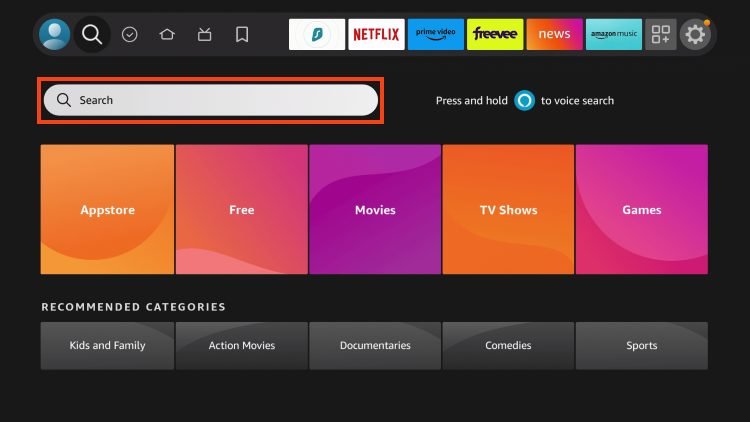
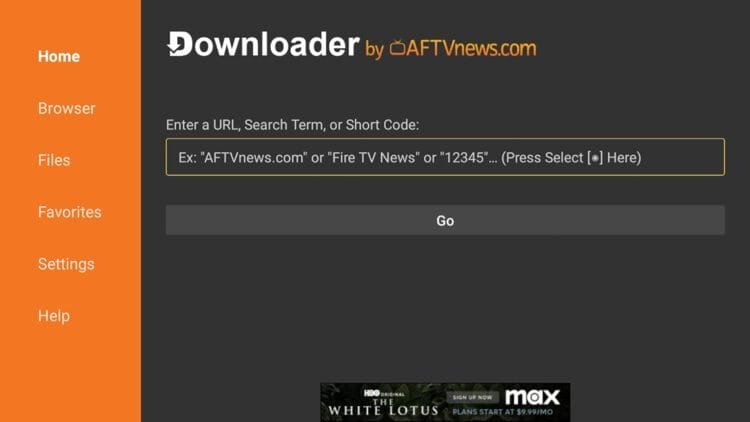
On the Firestick home screen, open Search and install the Downloader app.
02
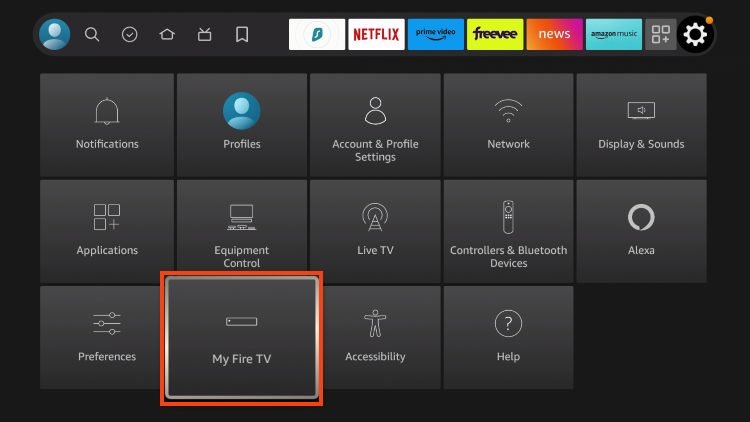
Settings → My Fire TV → About → click the device name 7 times until Developer mode unlocks.
03
Developer options → Install unknown apps → enable Downloader.
04
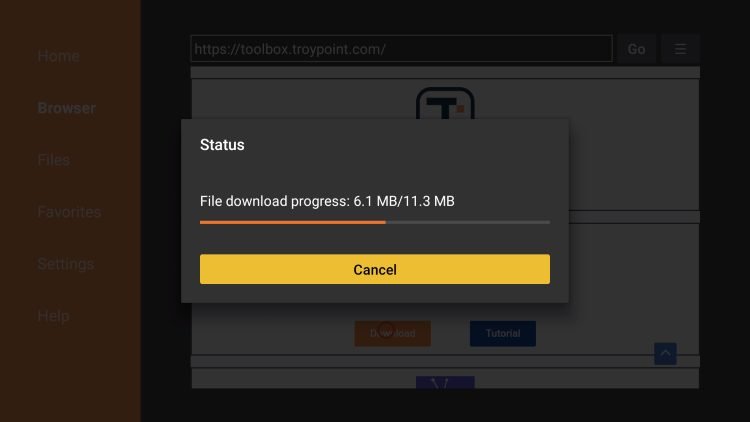
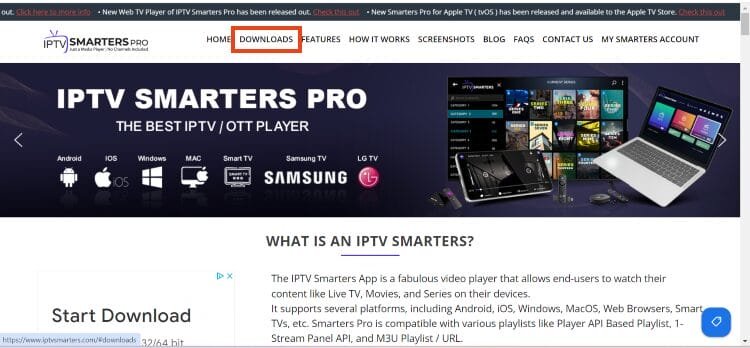
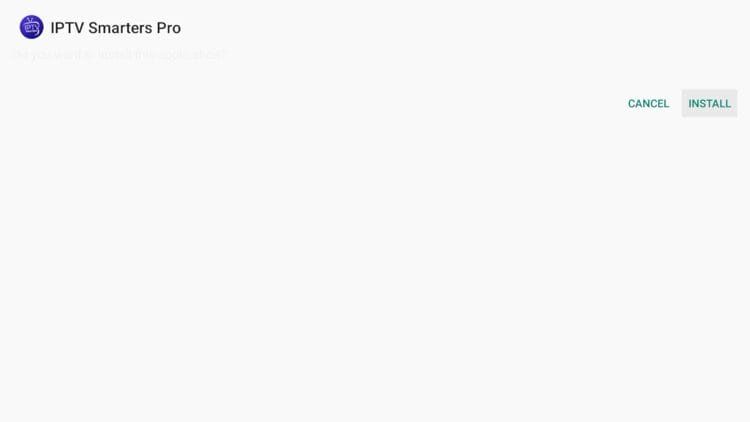
Open Downloader and install your player (IPTV Playlist, our 8K APK, IPTV Smarters, IBO, or SetIPTV — we can send the exact link).
05
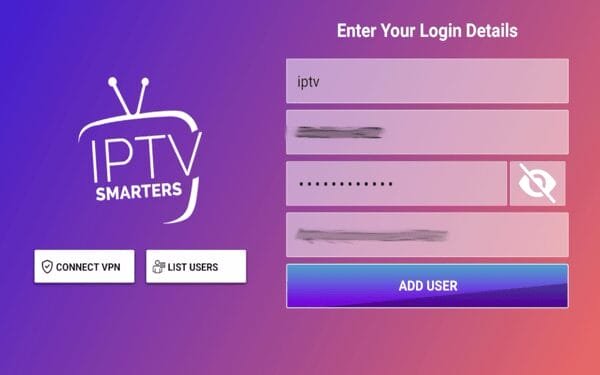
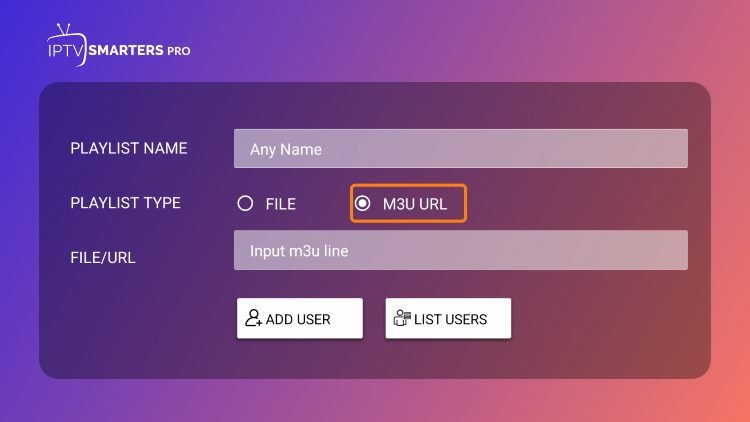
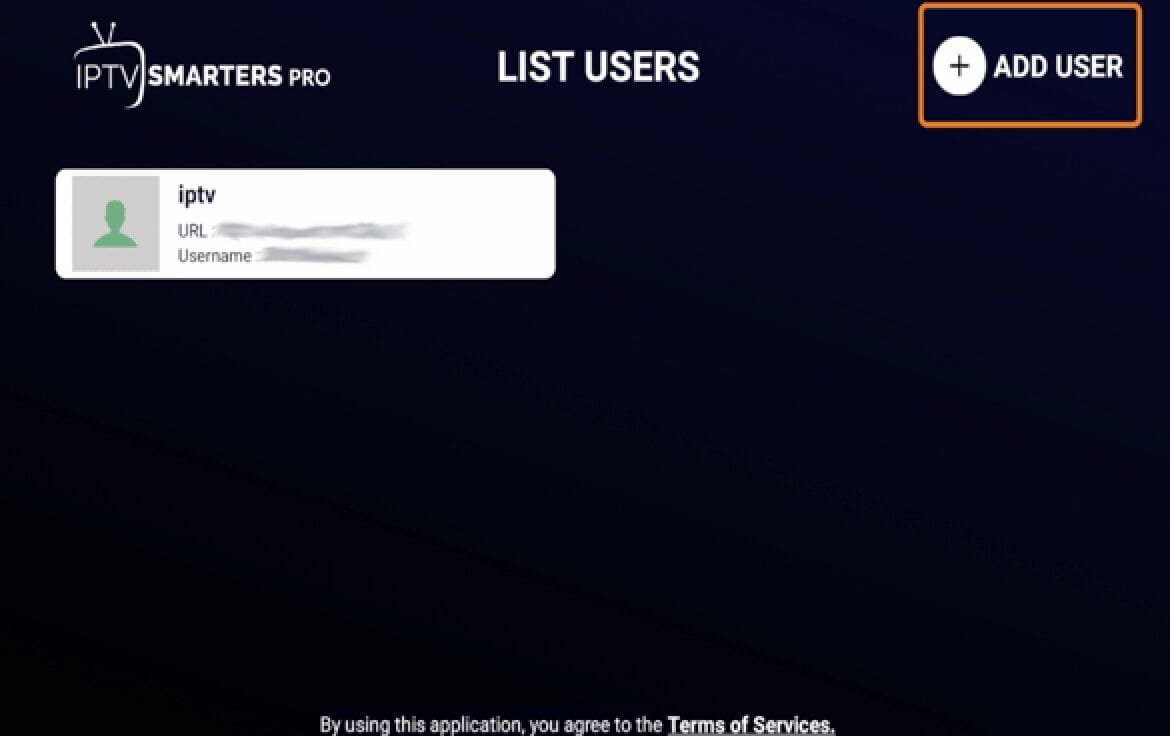
Open the app → Login with Xtream Codes API (or Load M3U URL).
06
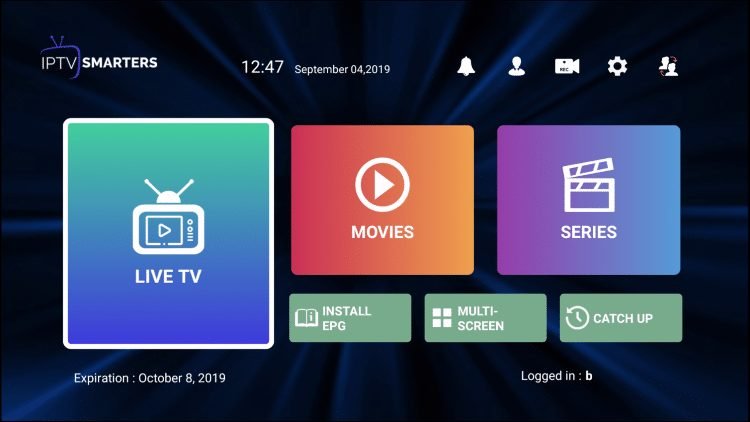
Enter the username, password, and portal/M3U URL we send after your subscription → Add User → open Live TV.
Important: do not use third-party credentials — your IPTV line (Xtream/M3U) comes from IPTV Playlist only.
How to set up IPTV on iPhone / iPad
Use IPTV Smarters, IBO Player, or SetIPTV from the App Store (not IPTV Playlist / 8K APK). Your Xtream/M3U line comes from us.
01
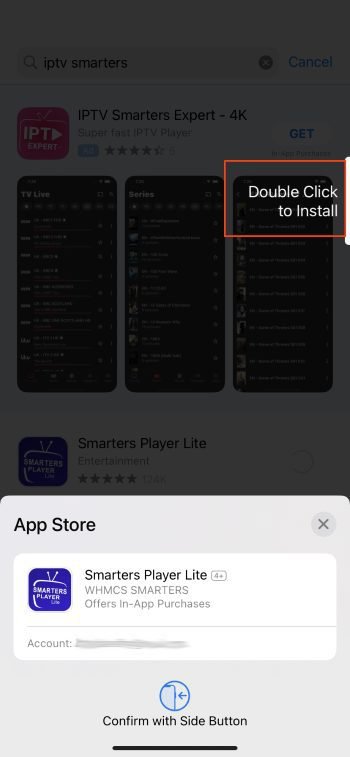
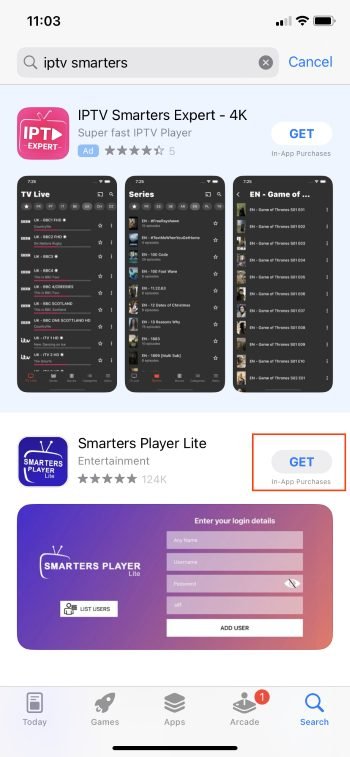
Open the App Store → search IPTV Smarters (or IBO / SetIPTV) → Get / Install.
02
Open the app → Add User.
03
Enter the Xtream Codes or M3U details we send after your subscription → Add User.
04
Wait a few seconds, then open Live TV.
3
How to set up IPTV on Android
Install IPTV Playlist, our 8K app, IPTV Smarters, IBO, or SetIPTV. Your Xtream/M3U line comes from us.
01
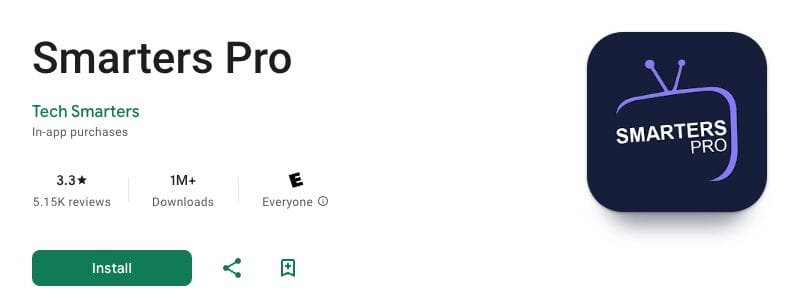
Install your player from Play Store / APK (IPTV Playlist, Smarters, IBO, SetIPTV, or our 8K app).
02
Open the app → choose Xtream Codes API (recommended) or M3U URL.
03
Paste the username, password, and portal/M3U we provide after payment → Add User.
04
Wait for channels to load → tap Live TV.
How to set up IPTV on Samsung Smart TV
Use IPTV Smarters Pro, IBO, or SetIPTV from Smart Hub. Your Xtream/M3U line comes from us.
01
Press the Smart Hub button on your remote.
02
Search for IPTV Smarters Pro (or IBO / SetIPTV) and install.
03
Log in with Username, Password, and Portal URL from your IPTV Playlist order.
04
Open Live TV when the lineup finishes loading.
Want IPTV Playlist / 8K app? Plug a Firestick into the TV HDMI port.
How to set up IPTV on LG Smart TV
Install from LG Content Store. Your Xtream/M3U line comes from us.
01
Press Home → open the LG Content Store.
02
Search IPTV Smarters Pro (or IBO / SetIPTV) → Install → Open.
03
Enter Username, Password, and Portal/M3U we send after subscribe → Add User → Live TV.
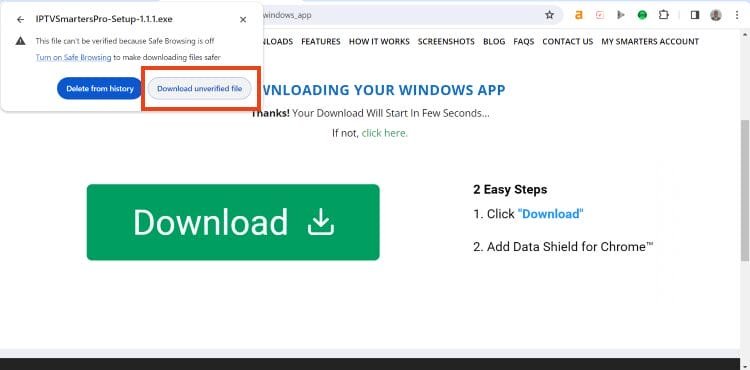
How to set up IPTV on Windows
Download IPTV Smarters for Windows (or SetIPTV / IBO). Your Xtream/M3U line comes from us.
02
Open the app → choose Xtream Codes / API Player (or M3U).
03
Enter host, username, and password from your IPTV Playlist subscription → Add User → Live TV.
3
How to set up IPTV on MAG / STB
Portal boxes use MAC activation. Your IPTV line still comes from us — we bind it to your MAC after payment.
01
Find your MAG MAC address in settings (or on the sticker).
03
After payment we activate your portal line on that MAC — reboot and open the portal.
1
Our 8K app (Android / Firestick only)
Download:
https://en.wikipedia.org/wiki/IPTV1388878.
Your Xtream/M3U line comes from us after you subscribe.
01
Enable Downloader / unknown apps on Firestick (same as Firestick tab), or allow APK installs on Android.
03
Open the app → login with the Xtream / portal details we send after your order.
04
Load channels → start Live TV.
3